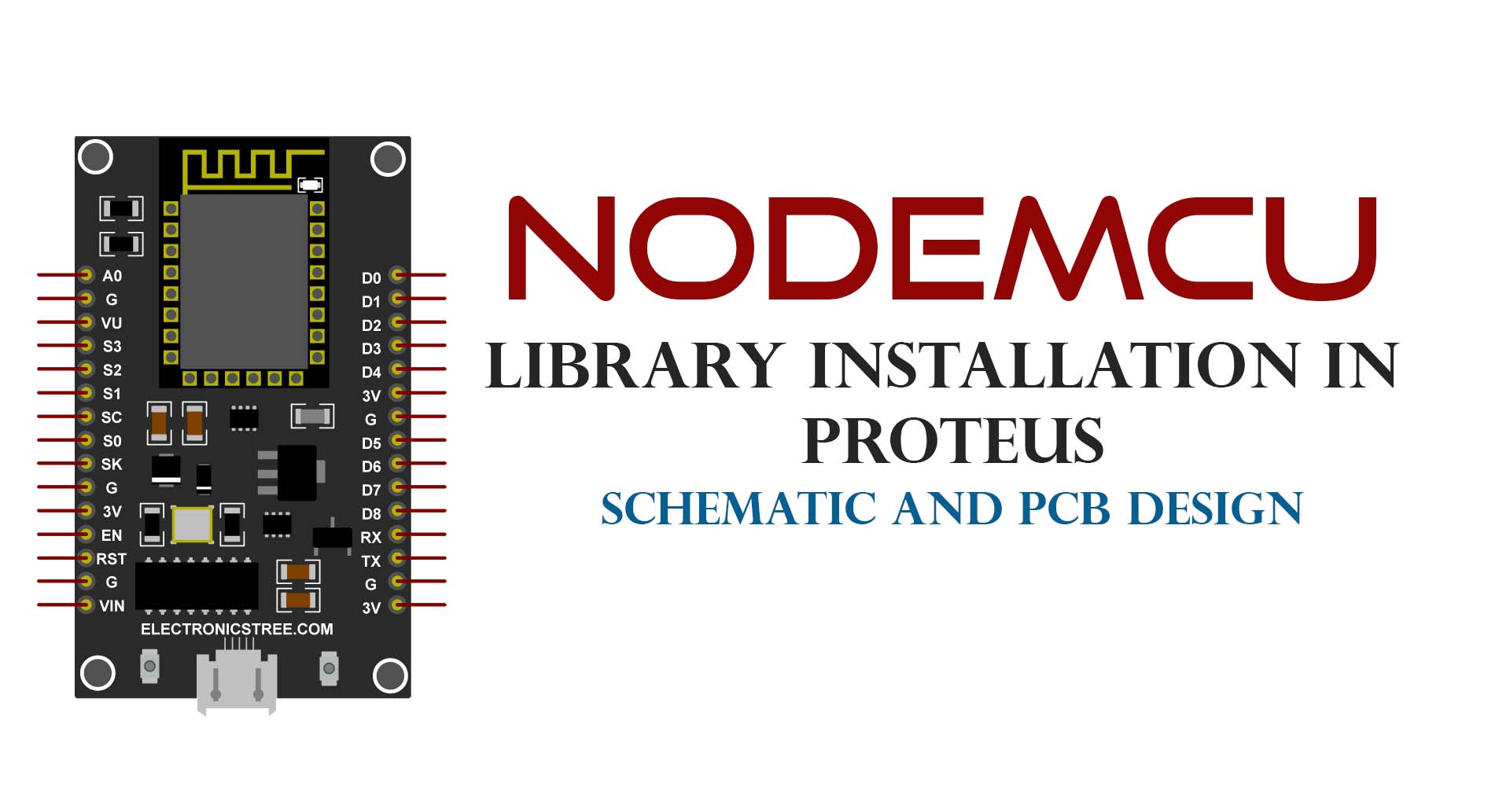
As part of our exciting developments, we are pleased to share the upcoming release of the simulation model for NodeMCU in Proteus. We are thrilled to announce that playing with circuits has just gotten even cooler! Explore our latest Proteus library, now featuring enhanced graphics and updated PCB footprints.
Keep yourself in the loop by staying updated with our website. We believe these advancements will elevate your circuit simulation experience to new heights. Thank you for being a part of our circuit enthusiast community
ESP8266 ESP-01 Proteus Simulation Model Library
Introducing the ESP8266-01 (ESP-01) advanced simulation model, a foundational step toward full NodeMCU ESP-12 support. This model is built carefully to reflect real-world ESP8266 behavior, offering accurate AT command processing, WIFI connectivity simulation, TCP/IP networking, GPIO interaction, webserver functionality, and HTTP client features, all directly inside Proteus.
Procedure for Installing NodeMCU Library in Proteus:
Here is the procedure for the installation of the NodeMCU Proteus Library.
Extract NodeMCU Library:
Download and open the NodeMCU Library .zip file.
Locate the “LIB” folder within the extracted files.
Find Proteus Library Folder:
Determine the location of your Proteus library folder on your computer. Depending on your Proteus software version, it may vary.
For Proteus 8 Professional, the default location is often:C:\Program Files (x86)\Labcenter Electronics\Proteus 8 Professional\DATA\LIBRARY

In some cases, the DATA folder may be found in a different location, such as:C:\ProgramData\Labcenter Electronics\Proteus 8 Professional\DATA
Note: The ProgramData folder might be hidden, so unhide it if necessary.
Copy Files to Proteus Library Folder:
Open the Proteus Library Folder.
Paste the files from the “LIB” Folder (extracted from the NodeMCU Library Zip file) into the Proteus Library Folder.
Restart Proteus:
After copying the library files, restart Proteus to apply the changes.
Verify Installation:
Open Proteus and navigate to the Pick Device Window.
Confirm the presence of NodeMCU in the list of available devices for easy selection and integration into your projects.

The Library for Proteus is available for download here.
Download Library
Simply click on the button to download the library. You can refer to this post for instructions on how to install the library in Proteus 8. How to Download and install Library in Proteus (electronicstree.com)
ZIP Password : electronicstree.com
If you have any requests for Arduino Module Libraries in Proteus, please leave a comment or message us using the contact form.
Download New ESP8266 ESP-01 Proteus Simulation Library
Simply click on the button to download the library. You can refer to this post for instructions on how to install the library in Proteus 8. How to Download and install Library in Proteus (electronicstree.com)
ZIP Password : electronicstree.com
We’re always looking to expand our library collection based on what our community needs. If you’re looking for a specific Arduino module, sensor, or component that we don’t currently offer, we’d love to hear from you!
Reach out to us at help@electronicstree.com with your requests. We prioritize new library development based on community demand, so your suggestion could be our next addition.

why it says that no specified model esp4 when simulating using this esp8266?
These files are only for schematic and PCB design. you can’t simulate esp8266 using these files.
您好,请问解压密码是多少呢?
图书馆 zip 文件的密码是:electronicstree.com
Pingback: IoT-ESP8266-Based Web Server-Irrigation – Hussam Alhayek
sorry I can’t extract the downloaded file for esp8266 in proteus…the password doesn’t work..
I have checked, and it’s working fine. The password is electronicstree.com.
Olá a todos, por favor me ajudem com esta questão:
Estou usando a versão 8.12 do Proteus e ela não aceita o arquivo da biblioteca, há alguma solução?
But why still has no feature to put hex file into it..?
Hello. Any idea when the NodeMCU ESP8266 or ESP32 simulation model will be available?
Thank you !
when will the simulation model be available?